
St. Johns County Wanted Search
Start with the St. Johns County Sheriff's Office wanted-search landing page. It feeds into a separate SJSO results system that updates on its own. The landing page posts a caution that data-entry and information errors can happen, and it points correction questions to the Records Unit. That caution is worth heeding. A wanted entry is a living law-enforcement status record, and service, recall, or an agency fix can change it at any hour.
Treat the results page with fresh eyes each visit. There is no fixed count of listings, no promise that every record carries a photograph, and no set refresh schedule to rely on. Calling it a "top ten" would be wrong. No verified SJSO "Warrant Wednesday" feature or wanted-list app exists. Images stay with their originating source. The captured view below shows the search landing page itself rather than a gallery of faces, so open the SJSO wanted-search source for the live version.
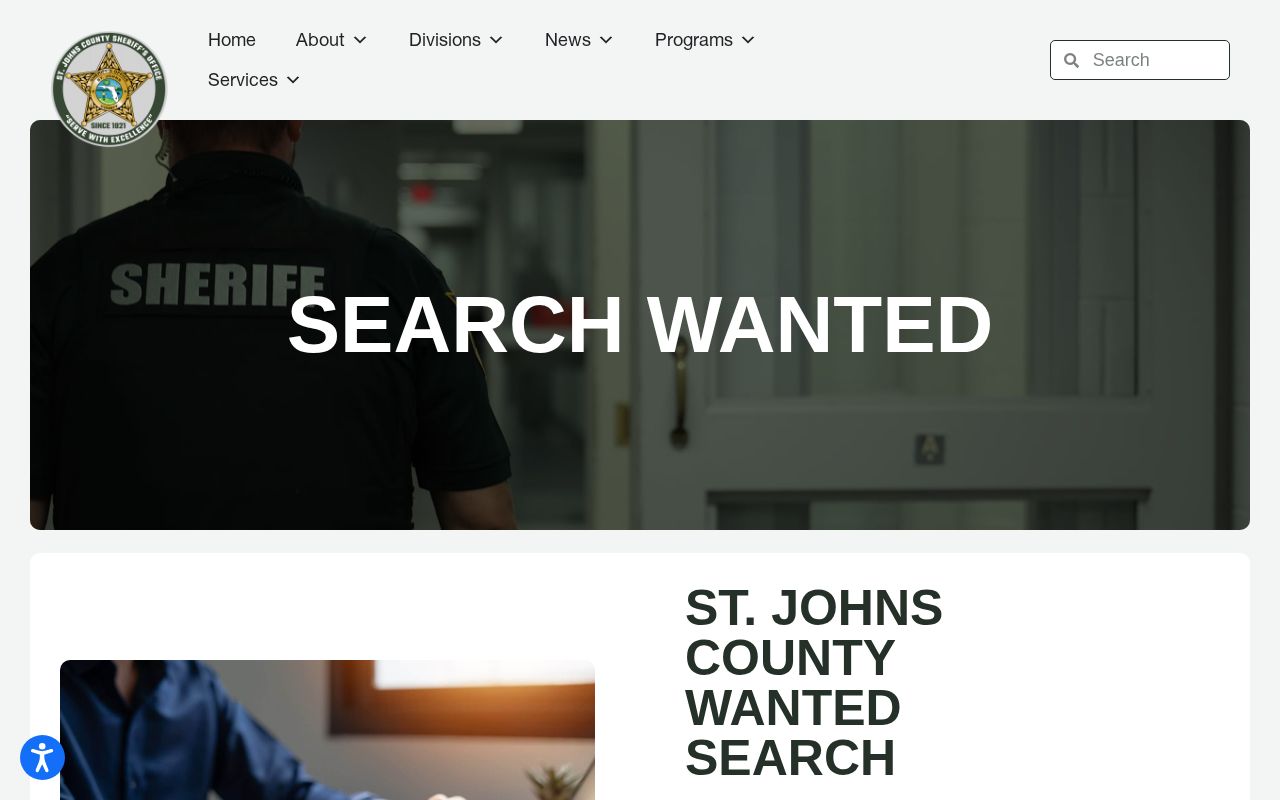
A screenshot only preserves what the source showed when it was captured. It cannot settle whether a named person is still wanted, and an empty-looking result says nothing definite about warrant status either.
St. Johns County Wanted Fields
Read any wanted result field by field. The current SJSO result layout could not be audited directly. So the distinctions below keep common template fields from being mistaken for local facts. Only a few things are confirmed. They are the agency involved, the source's role, the correction route, and the warning about possible entry errors. Everything else needs a check against the live result before you repeat it.
| Item | Verification status | How to treat it |
|---|---|---|
| Originating agency | Verified | SJSO operates the county wanted landing and dynamic link. |
| Error warning | Verified | SJSO says entry or information errors may occur. |
| Correction contact | Verified | SJSO Records, 904-810-6610, handles questions about corrections. |
| Listing count and cadence | Not verified | Check the live system; do not infer a fixed count or update cycle. |
| Photograph and physical description | Not verified | Do not assume either appears on every county result. |
| Charge, warrant basis, caution, or last-known area | Not verified | Use only fields actually displayed for the live entry. |
Match identifiers with care. Note the source and date of what you find. If an entry error appears, ask SJSO to fix it rather than wrestling with an unofficial copy. A correction request should name the exact wanted page or record, the spelling in dispute, and the official detail that backs the change. SJSO Records answers at 904-810-6610 or publicrecords@sjso.org. That channel only touches the county source. A separate FDLE entry or a later court file needs its own request. Send each issue to the office that keeps it. Hold on to the response date.
Use St. Johns County Wanted Results
The county list exists to help with recognition and safe reporting. It is not a historical roster. It is not a complete index of every active warrant either. Work through a narrow sequence that protects both your safety and the accuracy of an identity match.
- Open the SJSO wanted landing and follow its live search link. Read any current warning before relying on a result.
- Compare all identifiers the live record actually provides. Do not merge people based only on a similar name or image.
- Record the agency and the time checked. Wanted status can change after service, recall, or correction.
- If the person is encountered, keep distance. Do not approach, question, follow, restrain, or attempt an arrest.
- Send useful location or identity information to law enforcement or the county Crime Stoppers channel.
After an arrest, a person may land in the St. Johns County booking system. The county booking and custody path walks through the official roster outage, the Booking/Bond telephone fallback, booking-record requests, and the later Clerk search. A wanted record and a jail booking answer two different questions.
Florida and St. Johns County Warrants
The FDLE Florida Crime Information Center public-access system is the statewide fallback that SJSO links to. It helps when the relevant agency is unclear. It also helps when the question stretches past St. Johns County. A statewide result still demands careful identity matching and verification in the present tense. Service, recall, or an agency data correction can leave it stale overnight.
The captured view below shows the official FDLE public wanted-search interface. Run your query on the live FDLE system instead of reading the image as a current result.
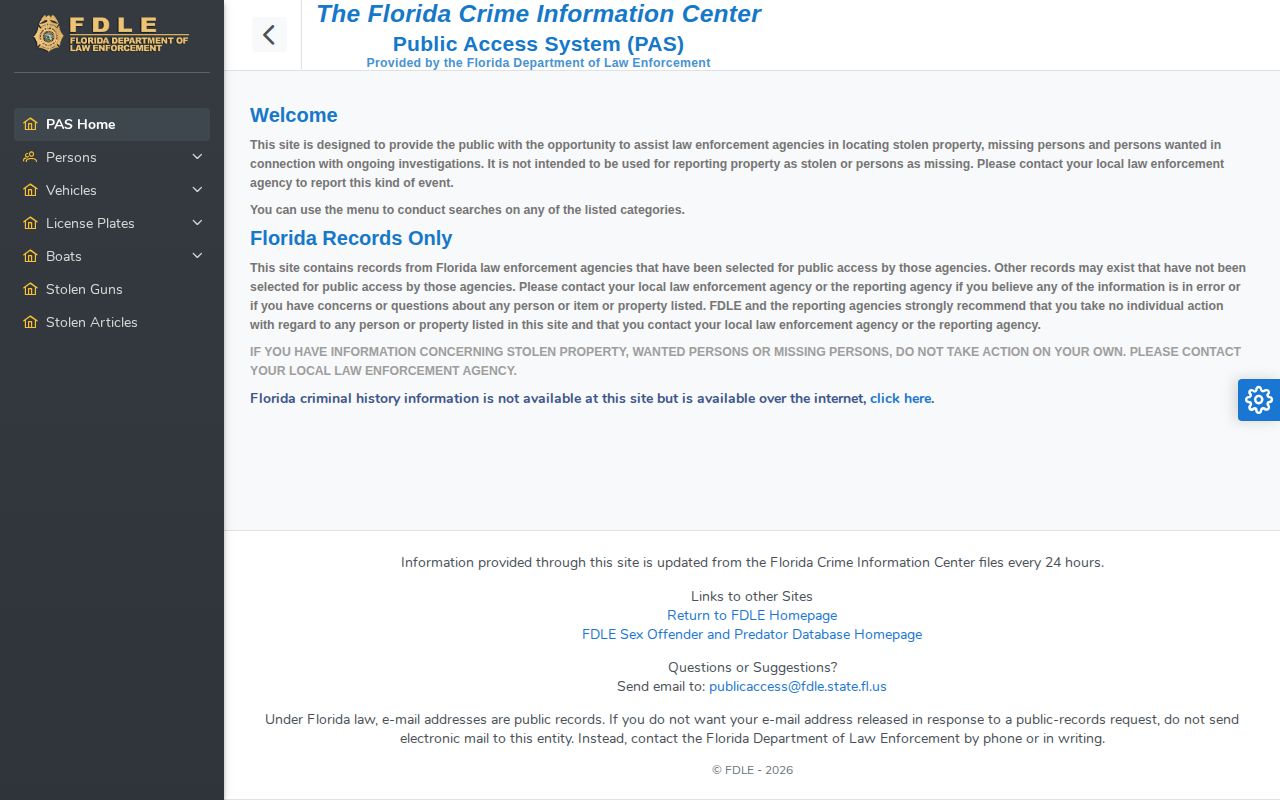
County and statewide sources can differ in scope and timing. Neither is a license to confront anyone. Someone checking their own status should skip web-based guesses and let counsel or the court arrange a lawful response.
Note: No dedicated SJSO jail or warrant app was confirmed; Neighbors and Alert St. Johns are safety-message tools, not warrant databases.
Check a St. Johns County Warrant
A most-wanted page is selective by design. It should never pass for a full list of active warrants. For a real check on yourself, start at the official county or statewide source. If the result could involve you, follow up with a lawyer or the court directly.
- Start with the SJSO wanted-search landing for a St. Johns County matter. Preserve the date and exact spelling used.
- Check FDLE’s statewide public-access system when agency or county scope is unclear. Compare identifiers, not name alone.
- Understand that the Clerk’s public name search is not an active-warrant list. Confidentiality protects unserved warrant materials.
- If the warrant may apply to you, contact an attorney or the proper court. Ask for lawful resolution options without approaching law enforcement unexpectedly.
- After service or return, follow the court case for the filed material and disposition. Do not treat booking charge text as the final result.
Nothing here advises dodging service. The goal is an accurate status check first. Then comes safe, legal handling. No web entry can replace advice based on the actual warrant and court file.
Why Active Warrants Stay Hidden
Florida hides unserved warrants on purpose. Rule of General Practice and Judicial Administration 2.420(c)(6) keeps them confidential. The supporting affidavit stays sealed too. The seal lifts once the warrant is served, or once the agency decides it can no longer be executed. So a routine search through the St. Johns County Clerk may turn up nothing, even when a warrant exists.
After service and return, the paperwork can enter the court file. The Clerk docket then becomes useful for tracking charges, orders, and the case outcome. The Clerk public-records information spells out this access boundary. Expect policy details there, not warrants.
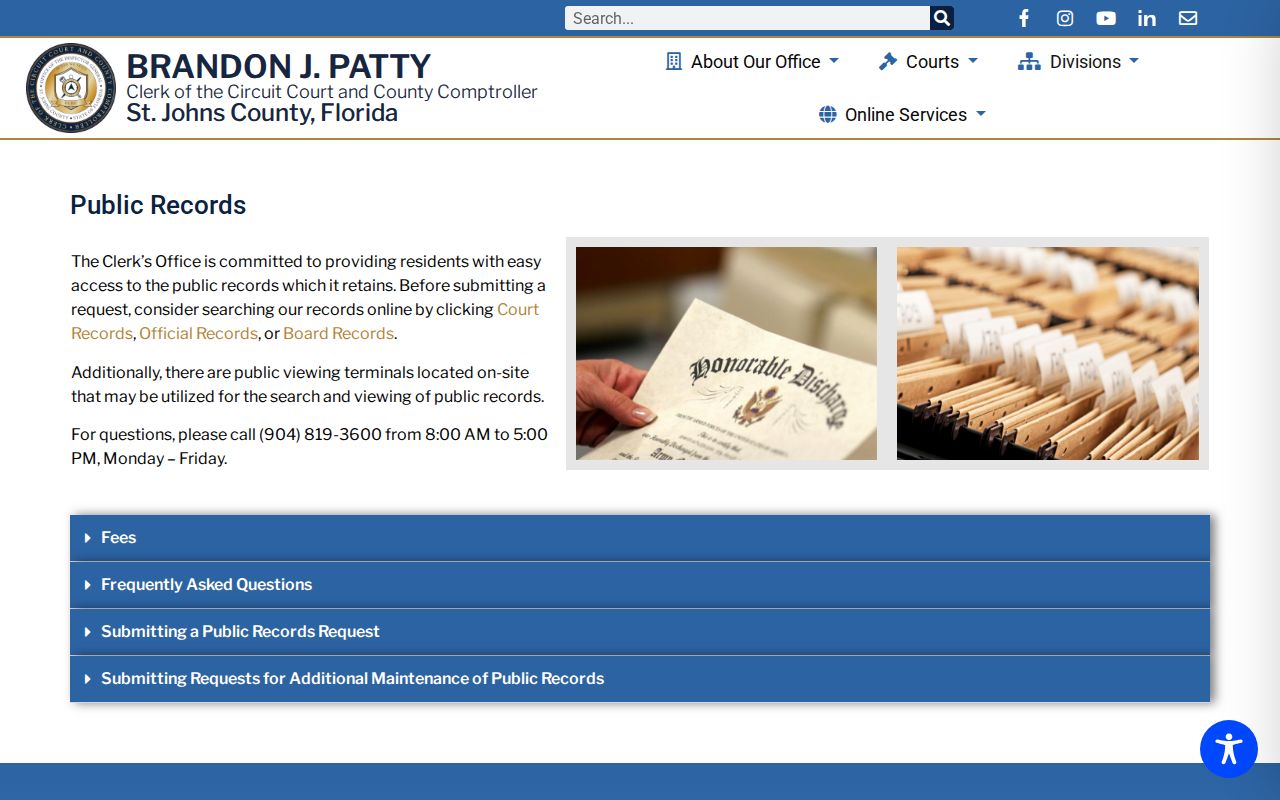
The divide comes down to status. Material that is active and unserved may remain confidential. Material that has been served and returned may later land in the public court file. These stages describe paperwork, not a catalog of named warrant "types" in St. Johns County.
St. Johns County Warrant Status
Warrant status in St. Johns County is best understood by service stage. "Active" simply means a warrant is still out there, waiting to be executed. "Served" or "returned" marks a later procedural point, and that shift can change what the public court file shows.
| Status | Public-access meaning | Best channel |
|---|---|---|
| Active or unserved | The warrant and affidavit may remain confidential under Rule 2.420(c)(6). | SJSO wanted search, FDLE public access, then attorney or court contact. |
| Served or returned | Returned material may become viewable within the related case. | St. Johns Clerk docket and case-record request. |
A status label on a warrant list tells you nothing about the charge itself. It only shows where things stand. Specifically, it marks the stage of serving that warrant. One person can look different in public files before deputies make contact and after. Read the live agency status first. Then check the later court record, in that order. That way you see the full picture.
Report St. Johns County Wanted Tips
To report a tip, use the St. Johns County Crime Stoppers tip site or call law enforcement directly. No reward amount or anonymity promise appears here. None has been verified. Check the live service's own terms before submitting anything.
St. Johns County Sheriff’s Office
4015 Lewis Speedway
St. Augustine, FL 32084
Nonemergency: 904-824-8304
Records corrections: 904-810-6610
Give facts that help identify the correct person or location. Do not embellish, publish a private accusation, or undertake surveillance. For immediate danger, use 911. For a suspected data error, contact Records rather than the tip service.